How do I create image cards?
Image cards are still in beta status
Currently, this function is still in beta status! It may happen that images are no longer displayed correctly after some time. We are working on it!
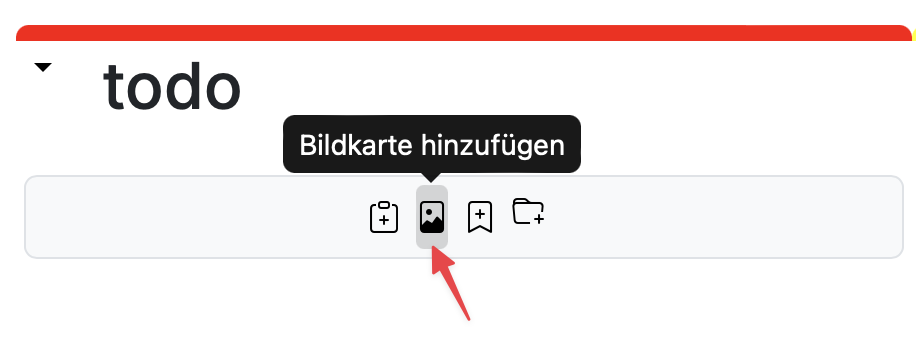
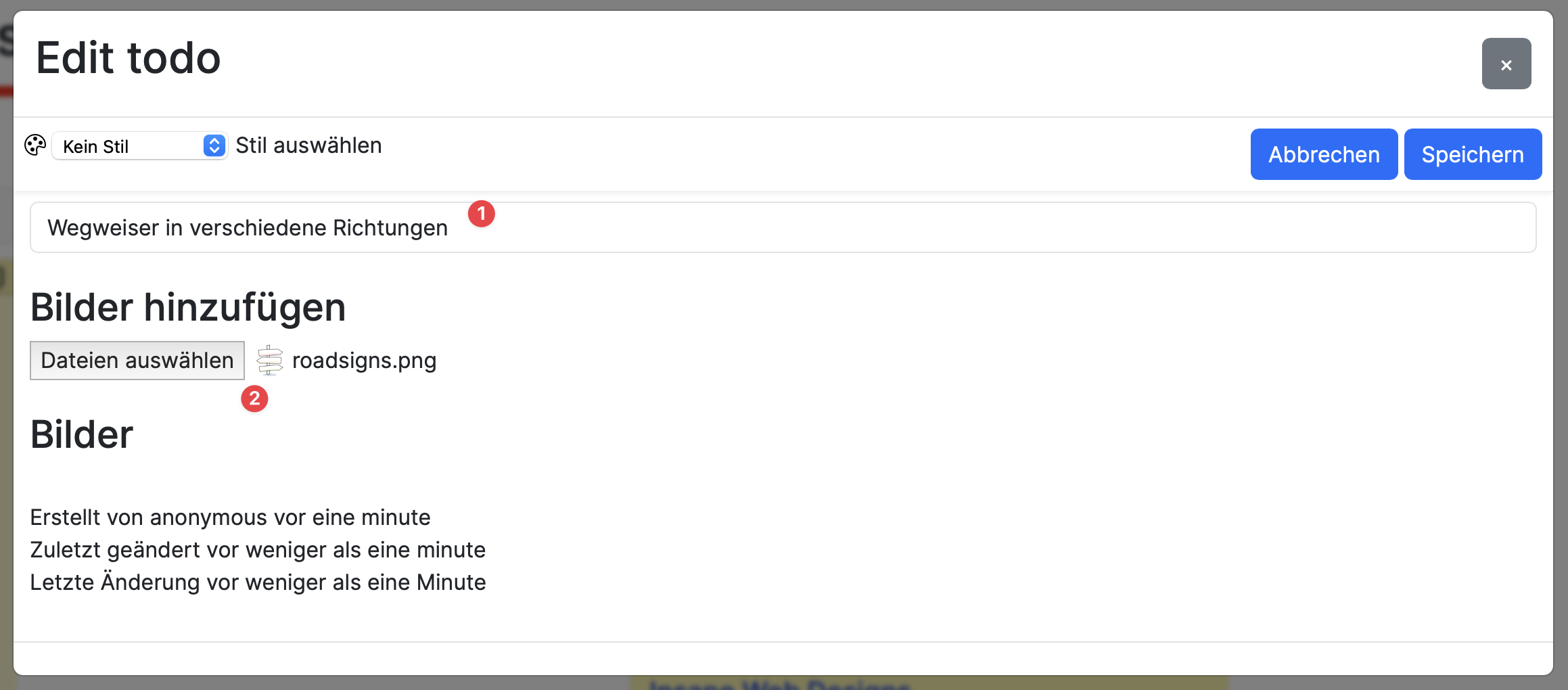
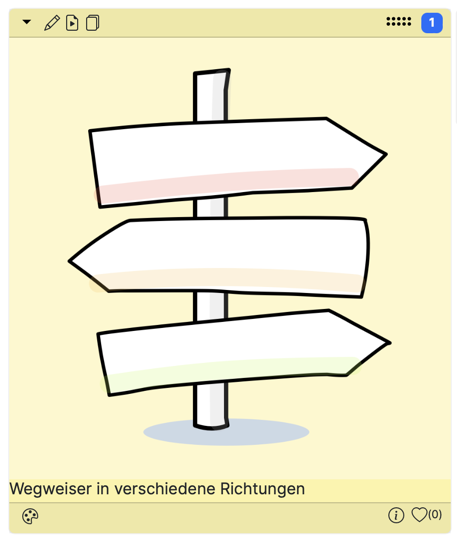
Use images in your boards to say more than the famous 1000 words. Click the button in the column toolbar to open the dialog. Enter the title of your image card and upload an image file - see the following screenshots:
Multiple images as slideshow
Edit your finished image card and add more images. These will automatically be played as a slideshow.